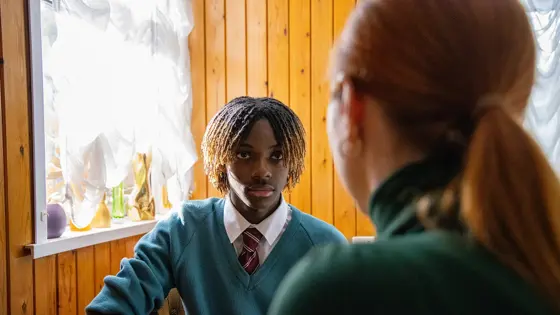

they made me feel
important
and like my worries
mattered

Call 0800 1111
About Childline
Childline is yours – a free, private and confidential service where you can talk about anything. We’re here for you online, on the phone, anytime.
Who we are
Childline is here to help anyone under 19 in the UK with any issue they’re going through.
You can talk about anything. Whether it’s something big or small, our trained counsellors are here to support you.
Childline is free, confidential and available any time, day or night. You can talk to us:
- by calling 0800 1111
- sending a message
- through 1-2-1 counsellor chat
Whatever feels best for you.
4 facts about Childline:
- we were started in 1986 by Esther Rantzen
- we help any young person in the UK
- calling Childline is free and doesn’t show up on the phone bill
- in 2006 we became part of the NSPCC to help even more young people.
Who are the Childline counsellors?
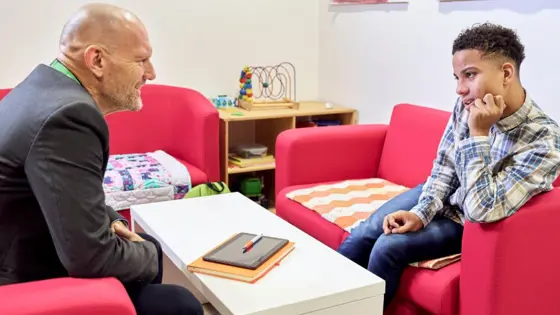
Our counsellors are trained staff and volunteers. All sorts of people become Childline counsellors.
They’re all different ages and come from lots of different backgrounds. But what they all have in common is that they want to help young people.
A Childline counsellor:
- will listen to you and is genuine, open and friendly
- knows it takes courage to contact us and isn't easily shocked
- knows about the problems young people can face
- will let you take your time and won't judge you or put you down.
Where are the counsellors based?
Childline has counsellors based in England, Northern Ireland, Scotland and Wales.
We’ve got 12 bases where our staff and volunteers will reply to young people. We also have counsellors who will answer emails to Childline from home.
What will they say?
Our counsellors are there to listen and support you. They’re trained, but don’t follow a script.
You might be asked about how you’re feeling or what’s happening. Our counsellors will help you to talk about what’s going on and to think about things you could do.
Can I speak to the same person again?
Each time you contact us, you’ll usually get through to somebody different.
Even if you get through to someone new, your last counsellor will have written some notes about what you’ve said. The person you talk to next can use those notes so you don't have to start from the beginning.
Did you know?
9% of our counsellors don’t like cookies or cakes! Maybe they prefer biscuits.
Contacting Childline


Feedback and complaints
We want to make sure every young person who contacts us has a space where they feel safe and listened to. Your feedback helps us to improve and change what we do.
There are lots of ways you can give feedback or make a complaint:
Give feedback
Whatever your experience of using Childline, let us know. Why not:
- send a message from your locker
- use the Art box to draw how Childline has helped
- go to Get Involved to find out other ways you can support Childline
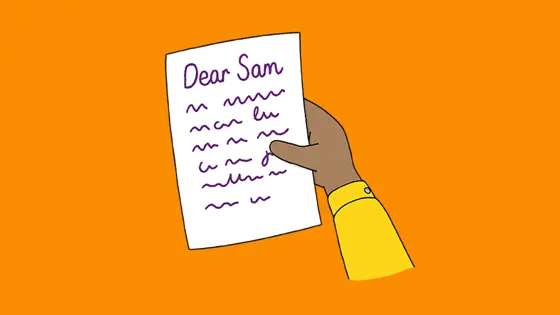
- write a letter to Ask Sam.
Report a technical problem
If you find anything on our website or app that doesn’t load or isn’t working properly, it can help to tell us so that we can fix it!
Leave a comment about something you’ve seen or read
Whenever you answer a question in a feedback box, you'll be given the option to sign in and leave a comment or suggestion about anything to do with Childline.
Make a complaint
Here at Childline we always try to give you the best possible service. But there may be times when you feel we haven’t got things right and you want to make a complaint.
A complaint is when you tell us that you are unhappy about:
- Something Childline has done or
- Something that Childline hasn’t done
A complaint can be about any part of Childline. It might be about our counselling, our website, a decision we have made or anything else around your experiences with us.
If you want to make a complaint, we want to hear it so we can think about how we might do things better. There is a choice of ways you can tell us your complaint:
- Call us on 0800 1111
- Send us an email from your Childline account
- Tell us in a 1-2-1 chat
Another way for anyone to make a complaint is to contact the NSPCC Supporter Care. You can contact them at [email protected]. This is the option you must use if you are 19 or older.
This site is protected by reCAPTCHA and the Google Privacy Policy and Terms of Service apply.
Childline on other websites
Childline posts almost every day with advice, support and discussions. Find us on Facebook and Instagram. And subscribe to our YouTube channel.
When you’re looking for Childline on social media, remember:
- we can’t give counselling on our social networks but you can talk to our counsellors on the phone or through our website
- our counsellors will never approach you online or try to talk to you outside of Childline. If someone does this to you, tell us straight away by contacting a counsellor
Sometimes we work with other organisations and you may see our logo on other websites. But please remember that you can only get help from Childline counsellors on our website.

Info for adults
Childline is a service that’s run by the NSPCC. We’re here to support every child or young person in the UK. If you’re worried about a child and would like support, you can talk to the NSPCC helpline.
There are lots of ways you can support Childline or get advice: