
Page Utilities
Change wallpaper
Help
Accessibility

School and College

School and college

School and collegeSchool and college can be a great time for some young people, but sometimes you might have problems or worries. These could be about making friends, homework and exams, moving from primary to secondary school or feeling pressure to do well . We know how much these worries can affect you.

School is a big part of your life, and it's completely natural to feel anxious or worried about it sometimes. Talking about how you feel can really help.

No-one has the right to stop you from going to school, so if you are being bullied and are feeling worried about going to school, there is support available.

Whatever your worry about school or college is, ChildLine is here to help.


School

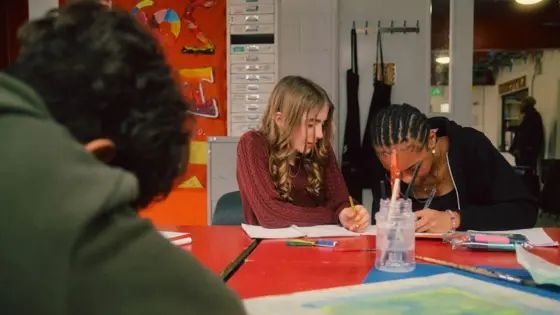
School is a large part of your life when you are young, and it can be a really happy experience. Sometimes though you might find you have problems at school which are worrying or upsetting you. These could be about friends, homework, exams, bullying, or feeling pressure to do well. No matter what you are feeling, ChildLine is always here for you if you need support.

Read more about School

Homework

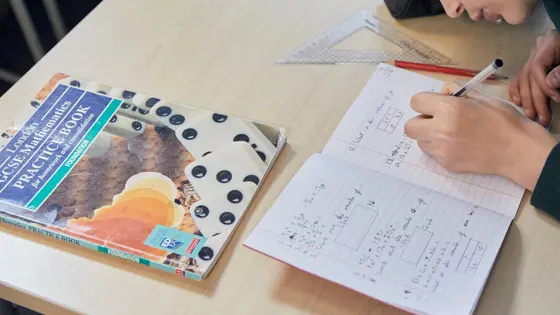
Homework can cause a lot of stress and worry for children and young people. It might sometimes feel like the homework and worrying can be difficult to overcome, but talking about it can help. Read more about Homework

Exam results

Getting your exam results can be a worrying time.  It can seem like the whole of your future depends on what you get.  Read more about Exam results

Beat exam stress

It is natural to feel anxious sometimes, even more so around exam time. The pressure to revise and do well in exams, whether it's from your parents or your teachers can be very stressful.  It can leave you feeling overwhelmed and unable to cope and make you think that you are going to fail. The good news, however, is that anxiety can be managed and help is available. Read more about Beat exam stress


Accessibility

We want to make sure everyone can access the information provided on this site

We've put together a few tips and help for you. Please send us a message if you can't find what you're looking for. Or you have a suggestion of something we could include.

Using the keyboard instead of the mouse.
As well as using the tab key to navigate through the screen, the ChildLine website has special access keys:

Alt+S = skip navigation
Alt+1 = home
Alt+0 = accessibility information.

Is the text size too large or too small?
You can change your text settings through your browser options:

In Internet Explorer, go to View > Text size and select your desired text size setting (eg, larger, smaller).

In Firefox, go to View > Text size and increase/decrease using Ctrl and + or -

If you have a scroll wheel on your mouse, you can hold down Ctrl and scroll back or forth to increase or decrease the font size in both IE and Firefox.

Changing your computer screen settings
To change the size of the image shown on your screen on a PC running Windows 95 and upwards, go to Start > Settings > Control Panel > Display > Settings and change the desktop area by using the sliding bar.

On an Apple Mac, you can use the Monitor & Sound Control Panel to change the resolution.

Having difficulty with your keyboard or mouse?
You can fine-tune your mouse and keyboard settings under Start > Settings > Control Panel > Accessibility in Windows 95/98/NT/2000 and XP.

Skipping navigation for talking browsers and screen readers
For speech browsers, you can press Alt and S followed by Enter to skip navigation on our pages.

The site is W3C level A compliant.


Help

This page contains help and advice.  If you need to contact ChildLine please go to the Talk to us page

Search for something on the website
To search for something on the website, type what you want to find in the search box on the navigation of the site.